This is the written version of my talk at the TypeScript Meetup Munich. Last year I gave an AI talk at the same meetup. Since then the models and tools got a lot better. So the question I wanted to answer was simple: how much better did our workflow get?
My answer comes from studying one plugin, pstack. You don’t have to adopt it. But it shows what a reliable agent workflow needs, and you can copy the most valuable part into your own project today.

Meet Carl. Carl is the developer, the designer and the business analyst. He has an idea, presses a button, and a finished feature comes out.
That’s the dream. In practice, the agent says “done”, you open the app, and the feature doesn’t work.
That gap is what this post is about. So part of our job now is building a workflow we can trust. What does that workflow need?

Verification. The agent runs the real app end to end. For a shop, the agent browses, adds to the cart and checks out. A passing type check doesn’t count.

Engineering skills. You encode the practices you want followed, so you don’t repeat them in every prompt.
Codebase design. Agents read your code and copy the patterns they find. If your patterns are bad, the agent spreads them faster than any human could.
I think the codebase needs the most ongoing work, because every pattern in it gets copied. Good patterns mean you correct and review less. You still need evidence before you trust the result.
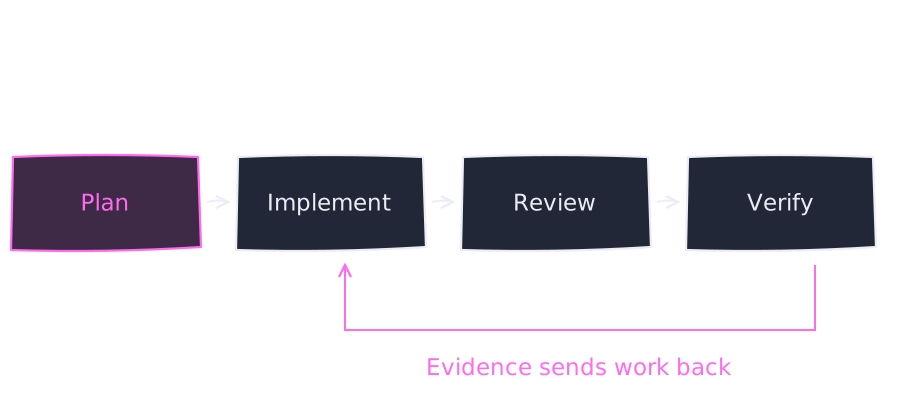
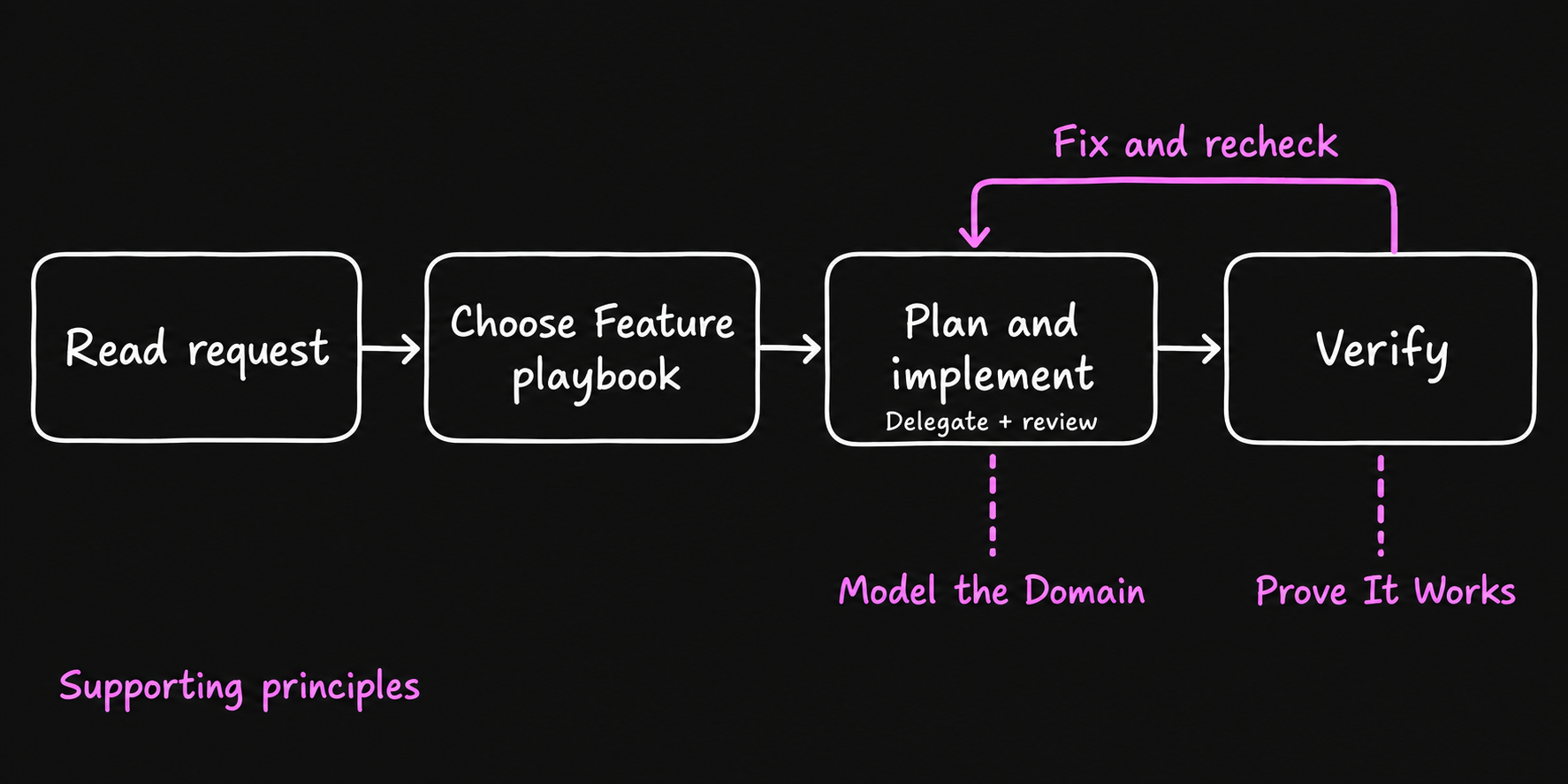
This is my mental model for every change:
- Plan what to build.
- Implement it.
- Review the code.
- Verify the behavior in the running app.
Review and verify are different jobs. A feature can work and still have poor code. Code can look clean and still not work. You need both. When a check fails, you fix it and go around again.
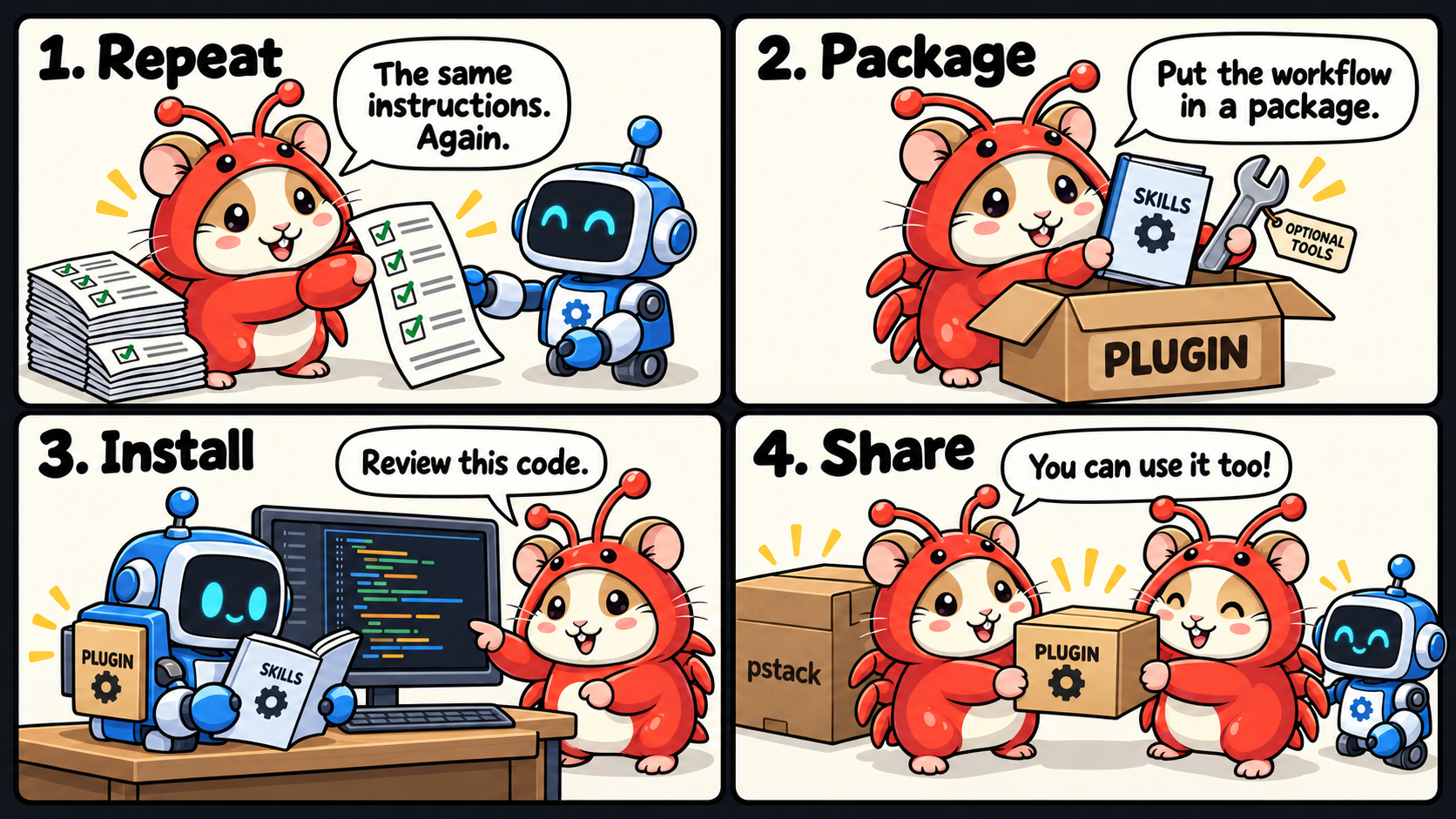
A plugin is an installable package of skills and optional tools. Skills describe the work. Tools provide the actions.
In the comic, Hamcrab, my mascot, gets tired of repeating the same instructions and packages them. pstack packages a whole engineering workflow the same way.
pstack was created by Lauren Tan (@poteto). She works on React Compiler and has worked at Cursor, Meta and Netflix. pstack packages the practices she uses herself. It lives in Cursor’s public plugins repository, so everything is plain files you can read: agents, skills and docs.
pstack has three building blocks.

Skills describe how to do one particular job. how explains existing code. architect explores designs.
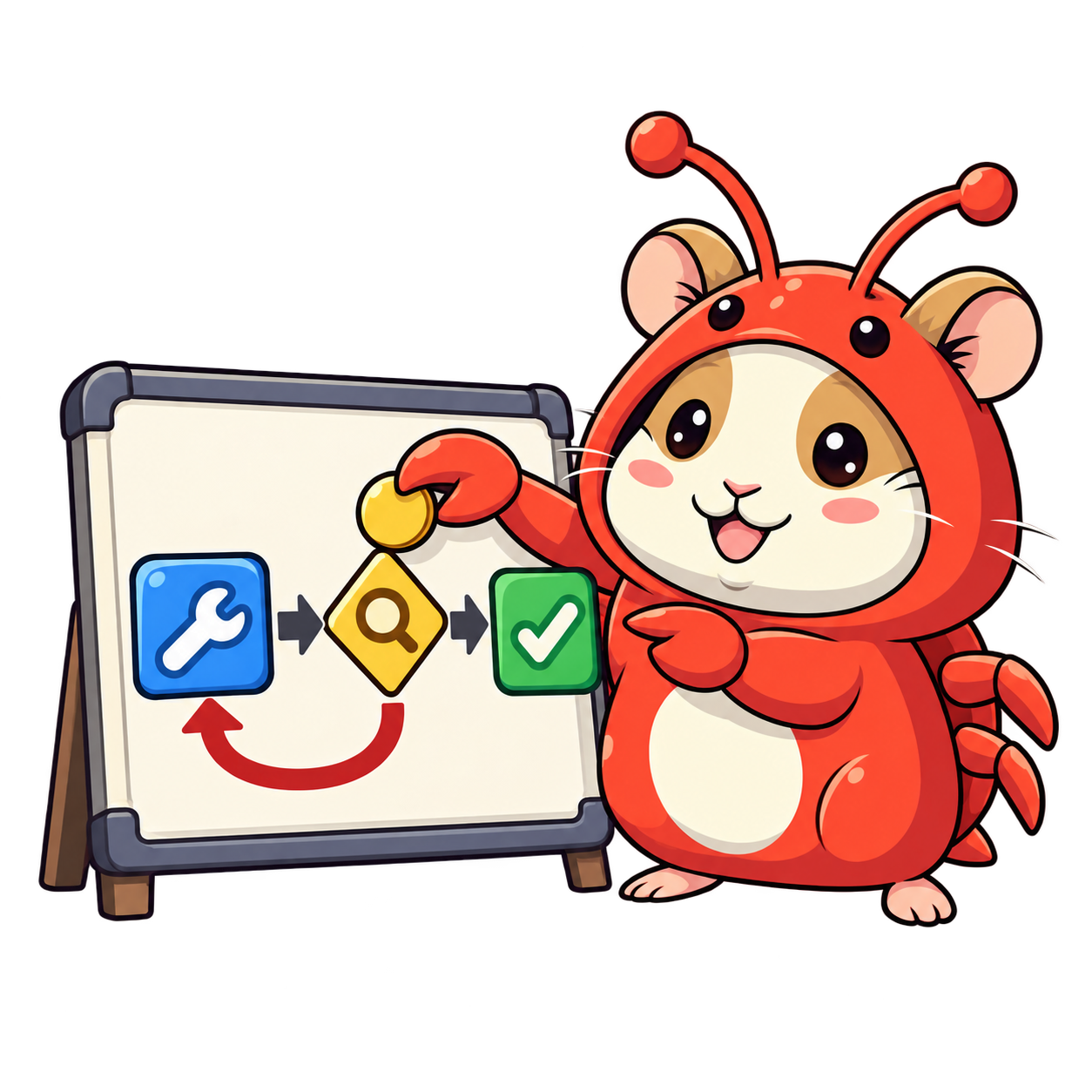
Playbooks are the steps for a type of task: a feature, a bug fix, a refactoring. They include loops and checks.
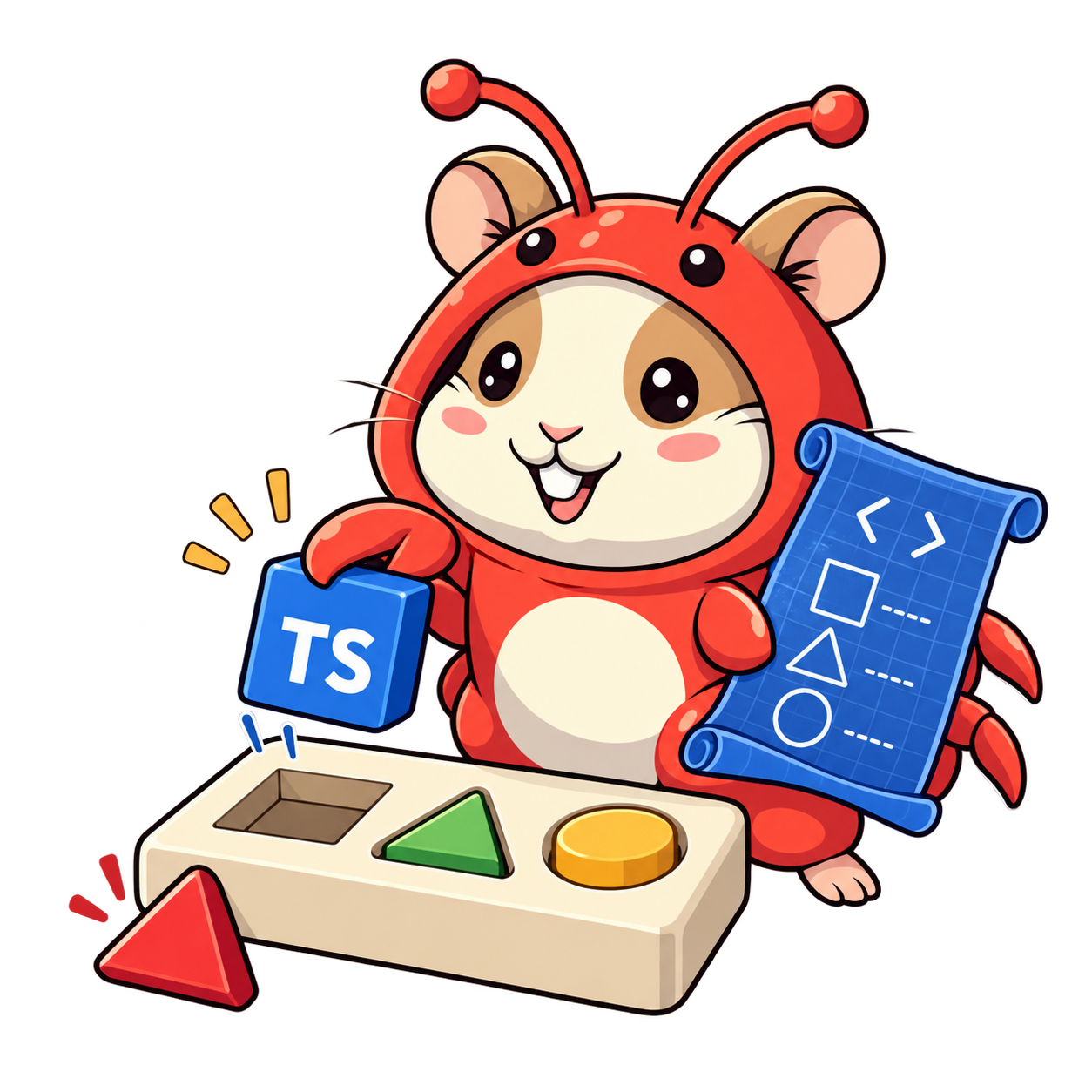
Principles are engineering guidance, like “Model the Domain” or “Prove It Works”.
All three are instructions the agent interprets, not deterministic function calls. You still need checks and good project tools around them.
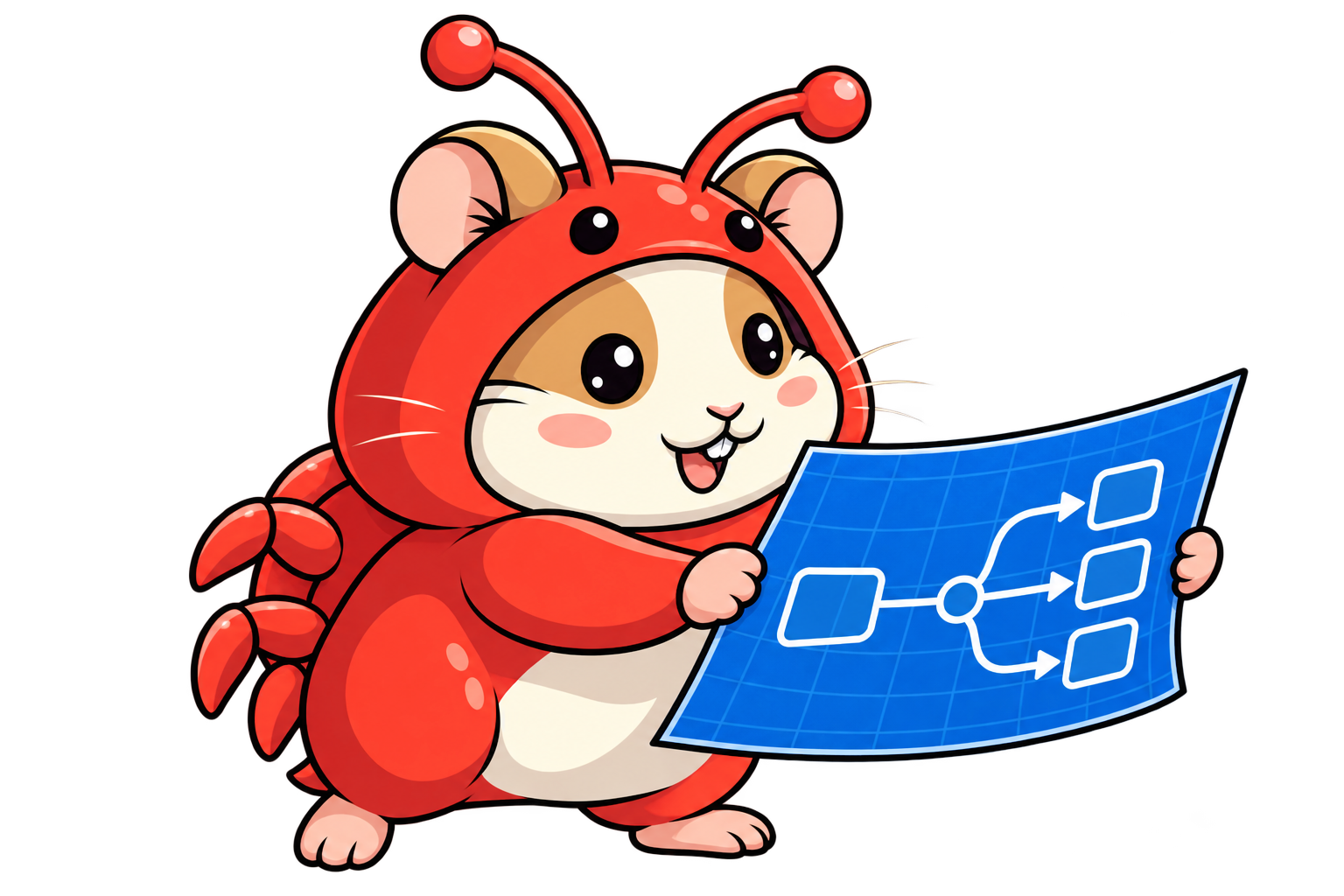
Each skill is useful on its own. A playbook composes them. Here’s a simplified version of the Feature playbook:
- Understand the code with
how. - Explore designs with
architect. - Worker implements, then the lead reviews the diff.
- Verify the actual behavior.
The real playbook has more steps: delegation, ordered commits, conditional reviews and opening a PR. If you want to see all 23 playbooks as moving machines, I built them as Factorio factoriespstack's Playbooks, Explained as Factorio Factoriespstack's poteto-mode picks one of 23 playbooks for every task. I built ten of them as interactive Factorio-style factories, so you can see why a bug fix, a refactoring and a hillclimb each need a differently shaped factory..
One lesson I took for my own workflows is to define both who reviews and what they check. pstack’s Feature playbook gives review to the lead. The detailed criteria, including security, live in the interrogate skill, which only runs under certain conditions. In your own playbook, name the rubric: correctness, security, maintainability, tests.
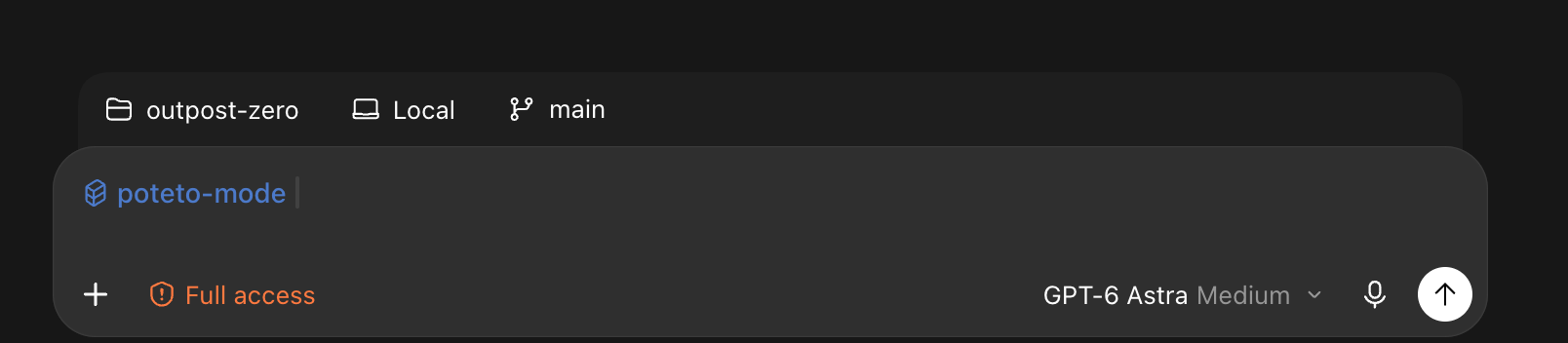
You don’t need to memorize the playbooks. You select poteto-mode and describe the request. It picks the playbook for you, whether that’s a feature, a prototype, an investigation or documentation.
pstack also lets you choose which models do which job. Running /setup-pstack asks which models you have and writes a role list:
- Implementation: the models that write code.
- Judgment: the model that compares proposals.
- Review panels: one independent reviewer per listed model.
You only override the roles you care about.
Let’s follow one request through the files, step by step. This is an illustrative trace of the instructions, not a recorded run.
$poteto-mode Add a theme preference that survives reload.
Keep "system" as the default. Verify the saved choice
and rendered appearance after reload.
The prompt has a goal, a constraint and a way to prove the result. You describe the outcome and how to check it. The playbook supplies the steps.
poteto-mode’s SKILL.md tells the agent to match the task to a playbook:
# Poteto mode

Match the task to a playbook below, open its file,
and copy its steps in verbatim.
…
- **Feature.** New or changed behavior,
  built from a named data shape.
  `playbooks/feature.md`.
A saved theme preference is new behavior. So it’s a Feature.
### Feature
1. `how` over the affected subsystem.
2. `architect` for parallel design exploration.
…
4. Delegate code-writing to a subagent
…
named data shape and its organizing structure per
**principle-model-the-domain**
The agent first inspects the existing settings code. Then it explores competing designs. You can still join that design discussion.
# Model the Domain
Encode the real domain in a data structure instead
of scattering it across conditionals.
…
Do not force an abstraction. Prefer boring code if the
current shape is already clear, local, and unlikely to grow.
This is my own habit too. Think about the types before the logic. One preference, three values:
type ThemePreference = "light" | "dark" | "system";The lead puts that named type into the worker’s assignment, so the worker doesn’t guess the shape. If the existing settings model already fits, the worker reuses it.
4. Delegate code-writing to a subagent
…
Review its diff yourself.

5. Verify on the matching surface.
"Inconclusive" or wrong-surface is not a pass. Flag it.
The worker implements saving and restoring the preference. The lead reviews the diff against the requirement. Then the lead opens the app.
# Prove It Works
Verify every task output by checking the real thing directly.
Do not infer from proxies, self-reports, or "it compiles."
…
Delegation: trust artifacts, not self-reports.
The success criteria are concrete. Dark mode is still selected after reload, and a fresh profile defaults to system. The agent changes the theme, reloads, and checks the saved value, the control and the appearance. It keeps screenshots or an action log as evidence.
If the theme resets, it fixes the change and checks again. A worker saying “done” isn’t enough.
You can also use principle names to steer: “Apply Prove It Works. Show me the theme after reload.”
Build this part even if you never install pstack.
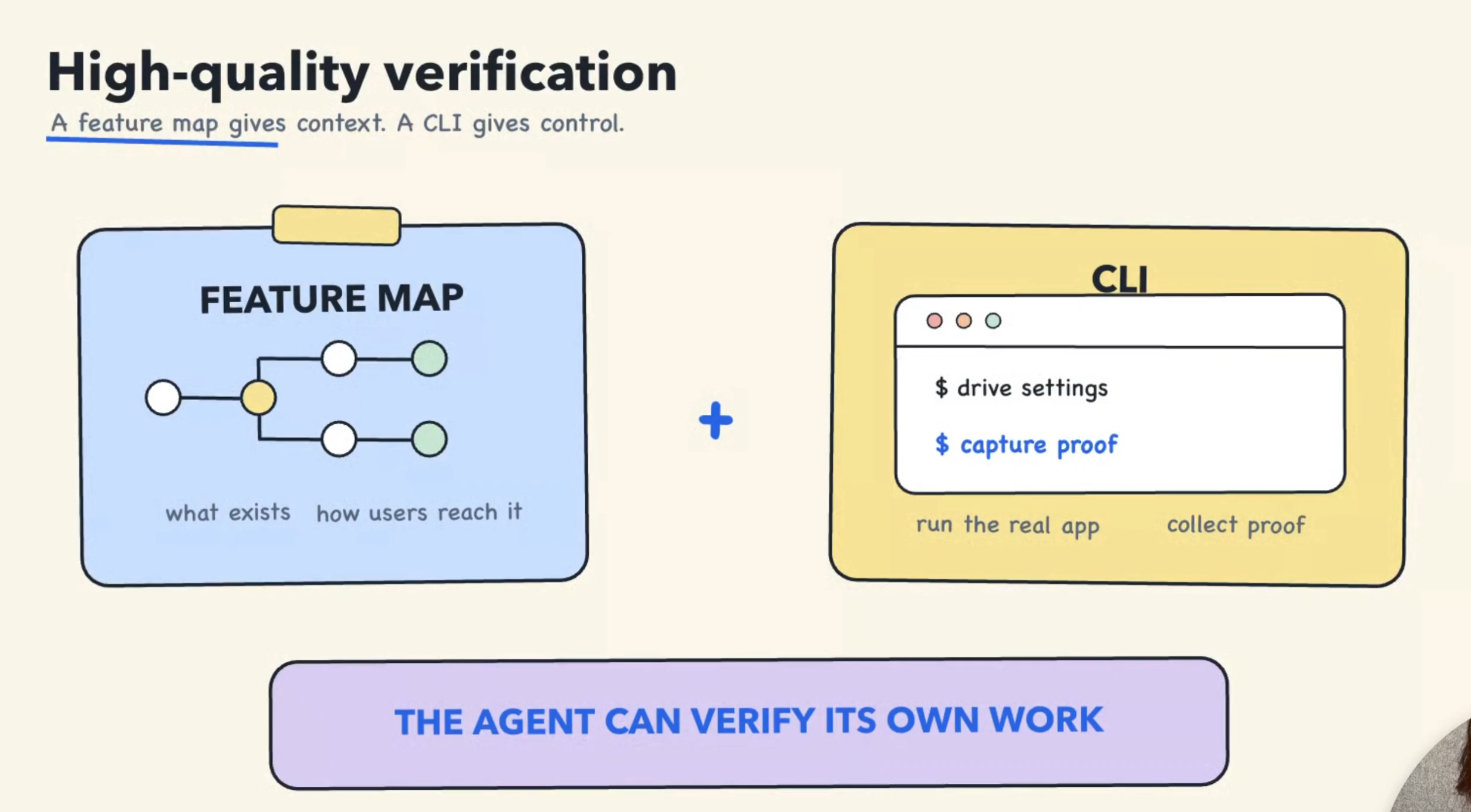
Can your agent start your app and check a complete user journey by itself? Most can’t. To get there, it needs two things:
- A feature map that says what to do and what success looks like.
- Tools to control the app: a CLI, a browser, Computer Use.
With both, the agent can start from a known state, exercise the feature, compare the result and keep the evidence.
Lately I spend my spare tokens building games. I love tower defense, so I built Outpost Zero with Vue.
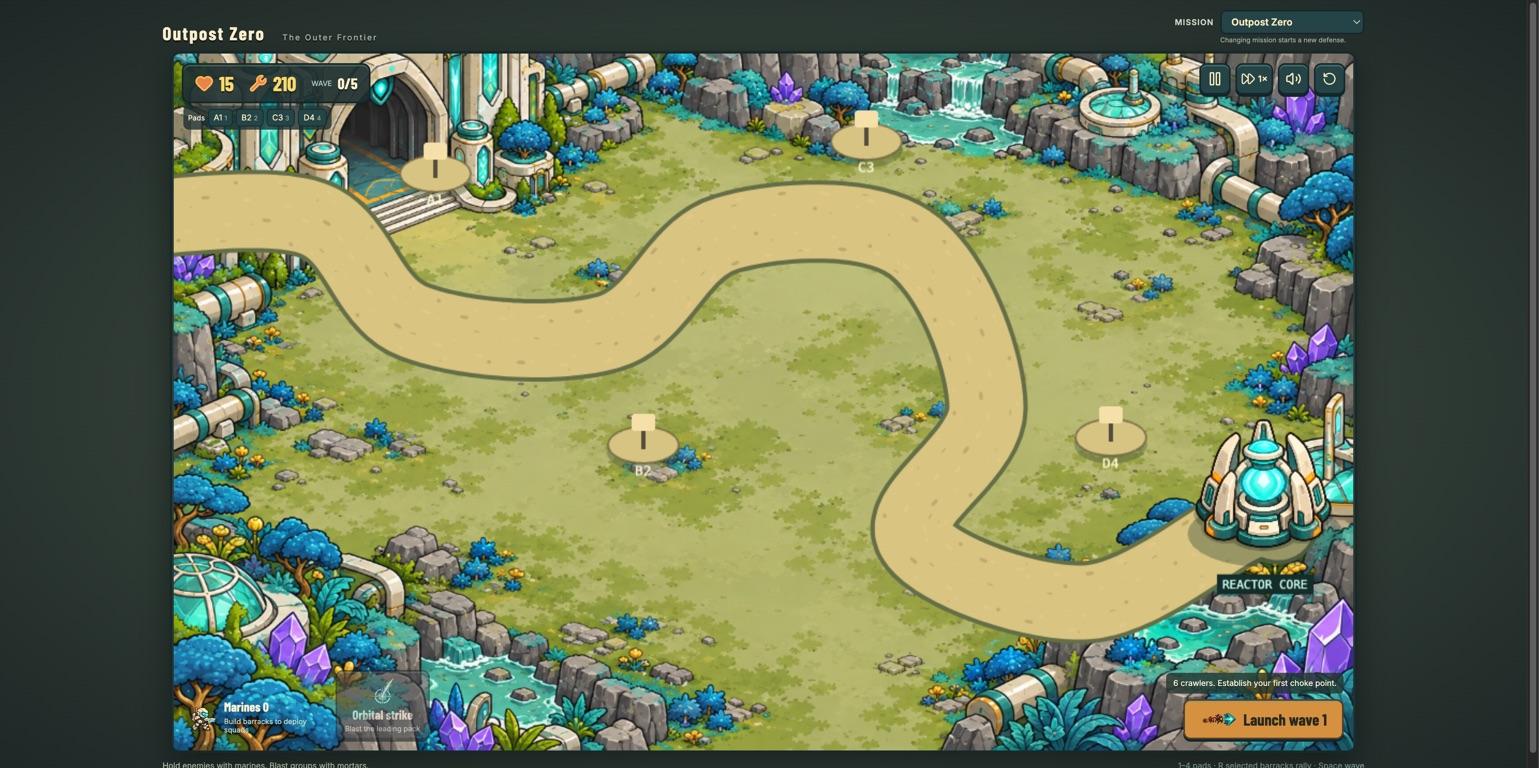
I ran pstack’s create-verification-skill. It asked the same questions a new QA engineer would ask about each feature. It reused my existing pnpm commands and Computer Use, tried a real recipe during generation, and produced a local skill:
.agents/skills/verify-outpost-zero/
├── SKILL.md
└── features/
    ├── README.md
    ├── defenses.md
    ├── squads.md
    ├── combat.md
    ├── missions.md
    └── controls.md
The skill follows one lifecycle: launch, doctor, drive, evidence, cleanup.
Here’s defenses.md, shortened:
# Build, upgrade, and recycle defenses
Spend salvage on towers and upgrades; confirm a sale to recover part.

## How to get to it
Select defense pad A1 to open its build, upgrade, and sale menu.

## Driving it with Computer Use
Start a fresh game at wave 0, before launching combat.
- Build Coil Sentry → visible tower; salvage drops by 85.
- Upgrade to Railgun Battery → new art and stats; costs 80.
- Cancel the sale → tower and balance stay unchanged.
- Confirm the sale → empty pad; refund 99 salvage, once.

## Gotchas
Check before combat: kills change salvage. Inspect the tower visually.
The file checks two things, the visible tower and the resource balance. The gotcha matters too. Kills during combat change the salvage count, so the agent has to check before combat starts.
For a shop, the same file would explain the cart and checkout journey.
These screenshots come from the real generation run.
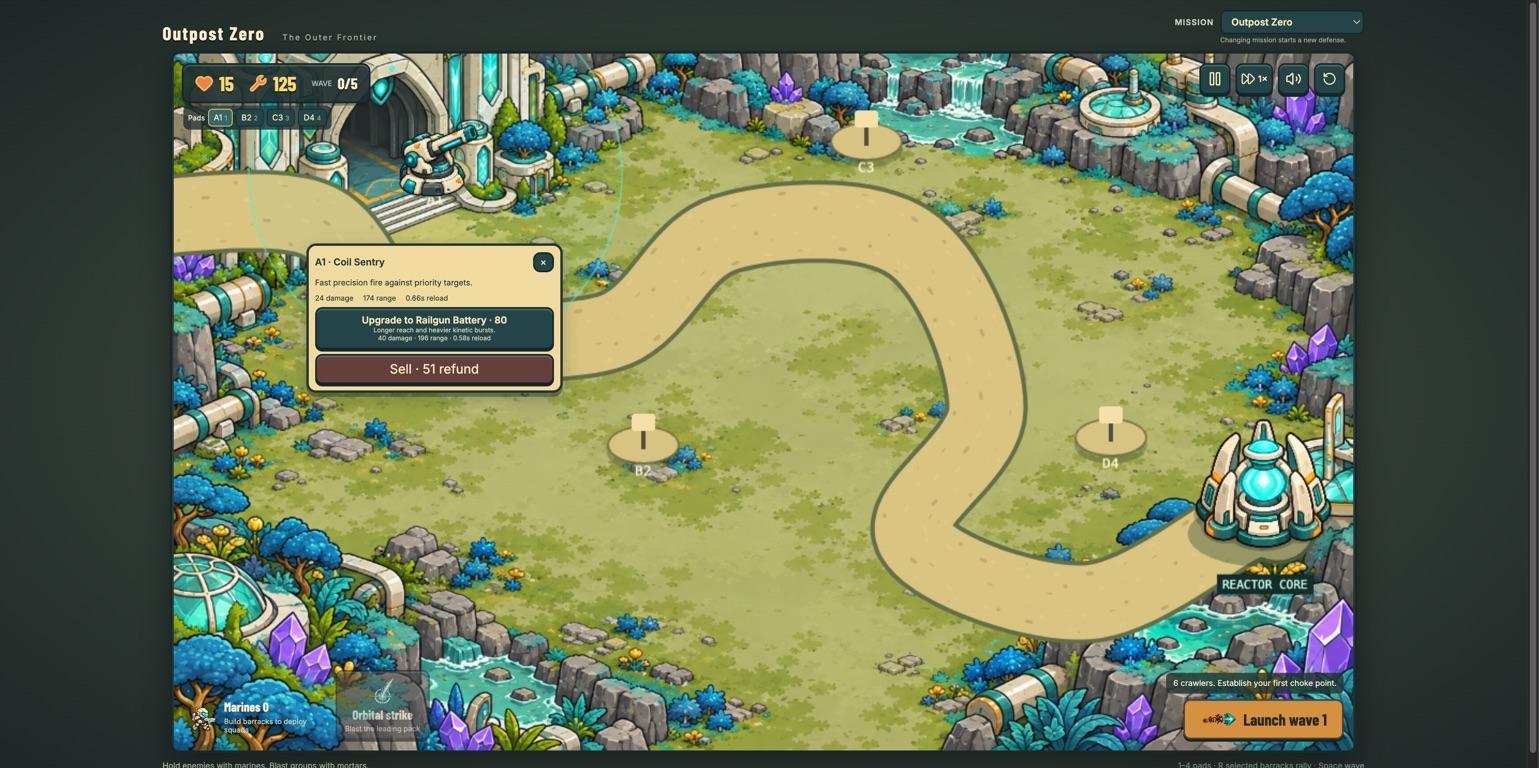
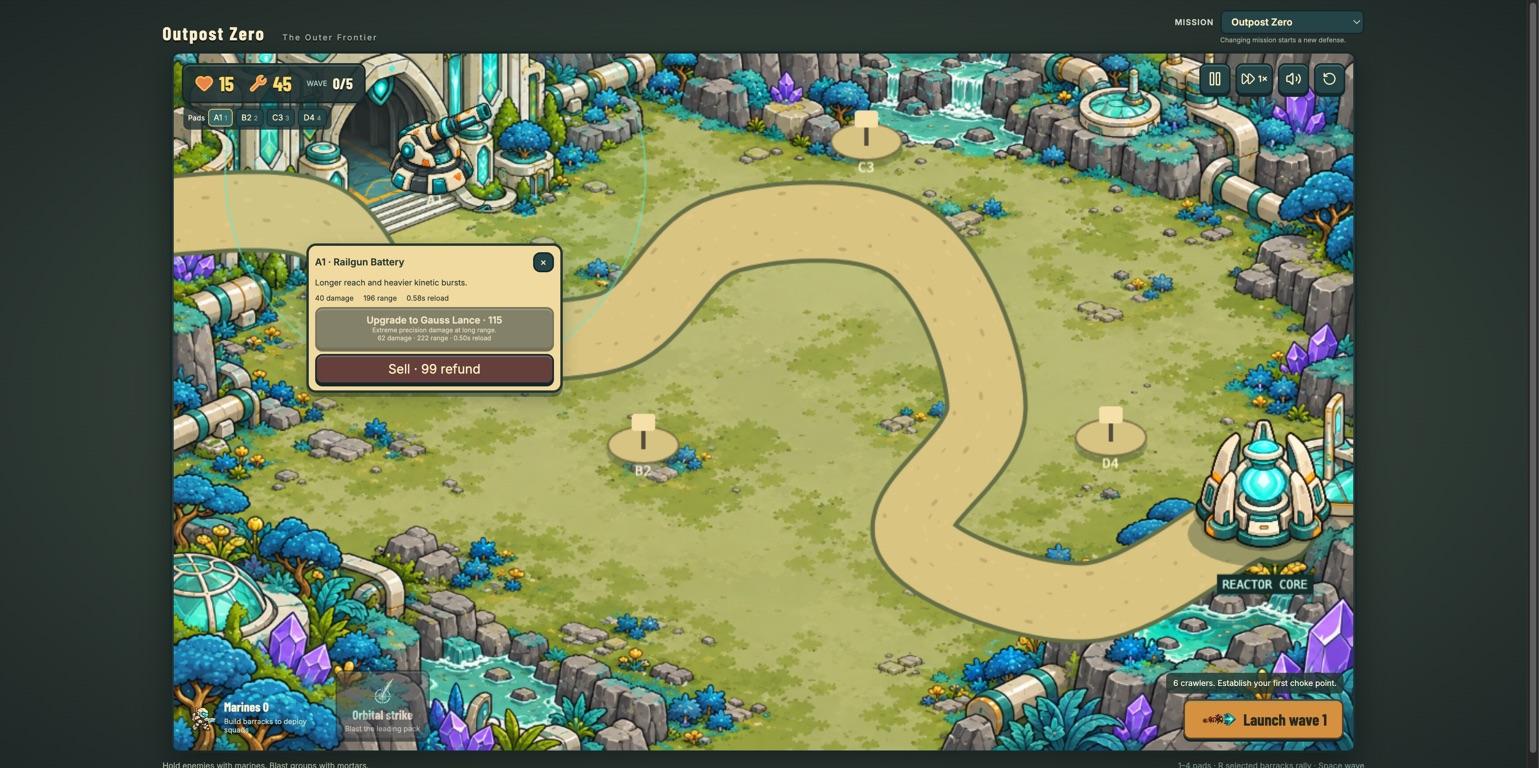
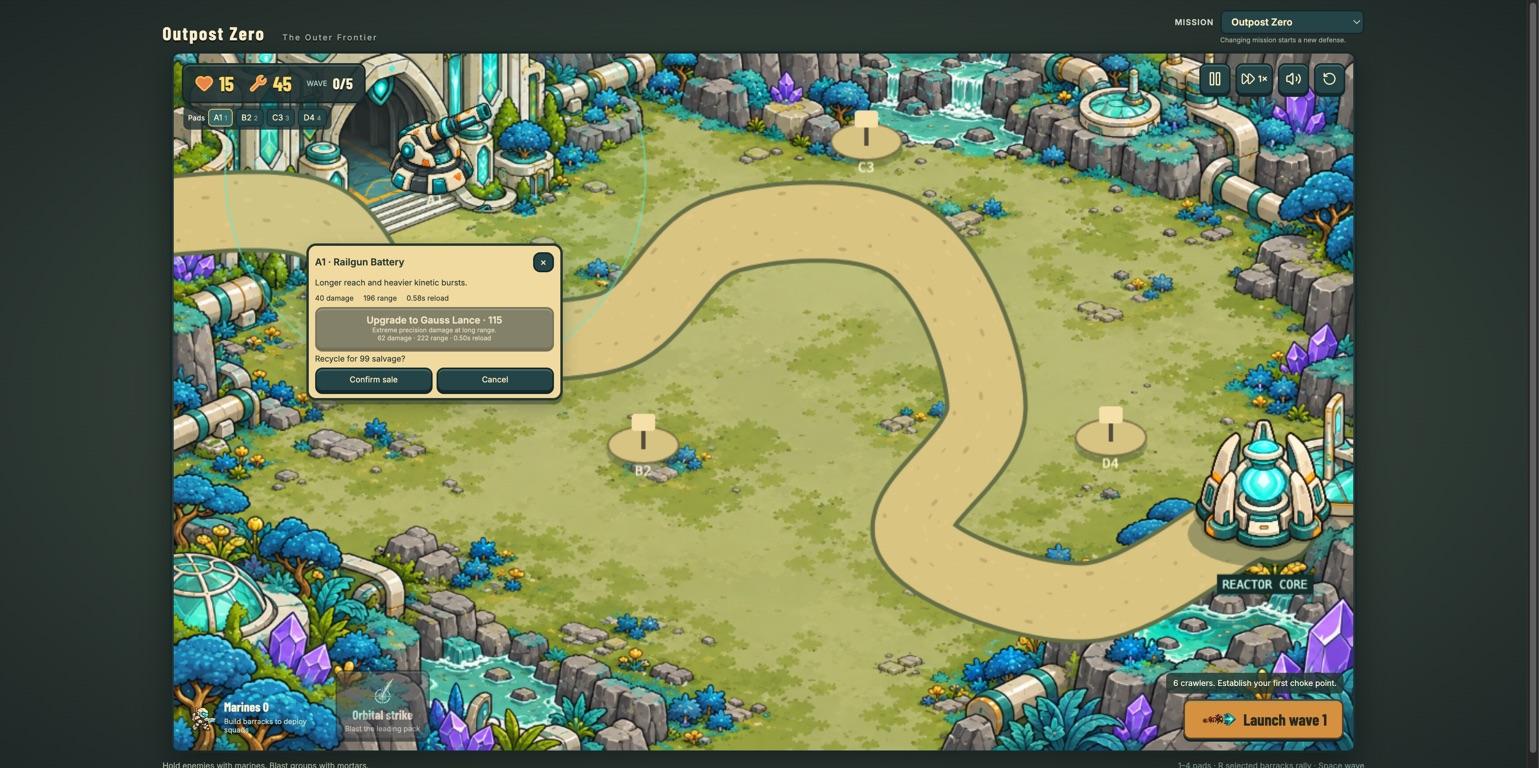
Here’s a question I asked the audience. Suppose the tower disappears after selling it. Is that enough to prove selling works?
No. You have to check the refund too.
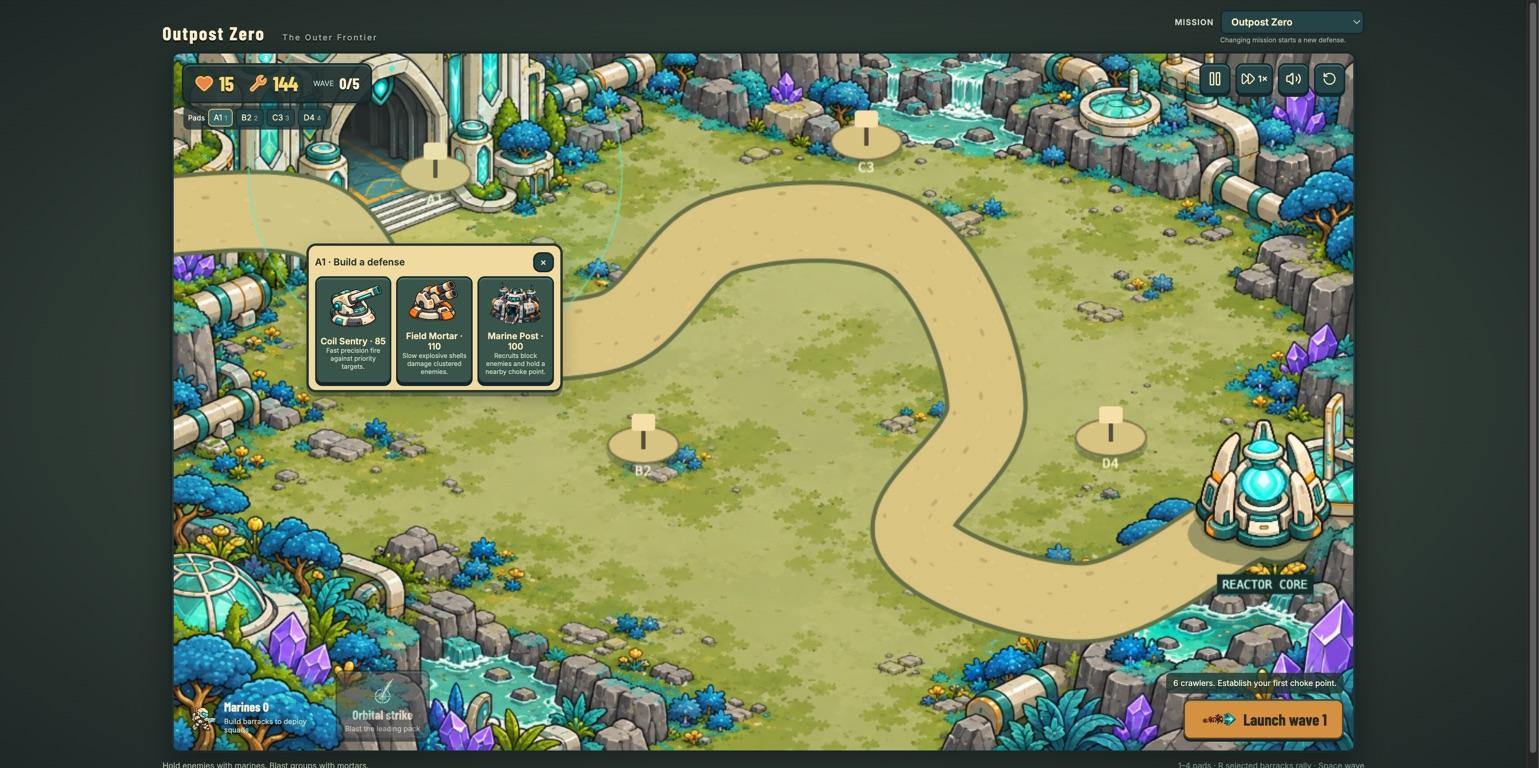
The pad is empty and the balance is 144 salvage. The agent also cancelled one sale and logged that the tower and balance stayed the same. Screenshots, accessibility snapshots and an action log stay around after cleanup.
That evidence supports this one path. It doesn’t prove the whole game works.
In the next session, I typed only this:
“Verify and do a smoke test if this game works.”
The agent read the saved skill and followed the recipes. I didn’t have to walk it through the UI again. 11 existing tests passed (5 unit, 3 browser, 3 end-to-end). The browser checks covered render, build, upgrade and sale confirmation.
The report also listed what it didn’t check. Another Chrome session interrupted the manual checks, so full combat and audio stayed unverified. I want both from a verification skill: context I can reuse, and a report that says what the agent checked.

As the app changes, the feature map gets stale. pstack has maintain-verification-skill for that:
- Inspect the source.
- Exercise each feature.
- Prove each map correction.
The skill updates stale instructions and reports real product bugs. It doesn’t run on its own today, so you invoke it or schedule it yourself. Update the feature map whenever you change the feature.
You don’t have to adopt the whole workflow. Some skills are useful on their own:
| Skill | What it does |
|---|---|
unslop | Removes stock AI phrases while keeping meaning and tone |
technical-writing | Picks the right doc structure for READMEs, RFCs and PR descriptions |
how | Explains an unfamiliar subsystem before you change it |
blast-radius | Looks beyond the diff and runs code to test safety assumptions |
Invest in the three foundations: verification, reusable engineering skills and codebase design.
If that sounds like a lot, start smaller:
- Pick one feature.
- Write down its expected result.
- Give the agent tools to exercise it.
- Keep the evidence, like the tower sale and the refund.
Then read pstack’s workflow and adapt it to your project. Installation steps, the slides, the PDF and all sources are in my resource gist.
The next time your agent says “done”, ask it for the screenshot.